
Is Airtable the Right Platform for Your Team’s Workflow?
Take This 2-Minute Quiz to Find Out!
This article provides a complete overview of Airtable, a leading connected apps platform that combines the simplicity of a spreadsheet with the power of a relational database. In my work, I classify it as a key tool in the AI for Execution & Collaboration category. This is because Airtable helps teams build custom applications that streamline workflows, centralize data, and improve productivity with its integrated Airtable AI functions. This Airtable Overview and Features analysis examines its core functions, technical specifications, workflow automation, and AI-powered additions like AI fields. We will also cover objective use cases, pricing, and integrations to give project and product managers a full picture of its capabilities in 2025.
After analyzing hundreds of tools in AI For Project & Product Management and testing Airtable in many real-world implementation projects in 2025, our team at Best AI Project Hub developed a comprehensive 10-point technical assessment framework. This proprietary framework is our commitment to providing expert and trustworthy content and has been recognized by leading professionals in theAI For Project & Product Managementindustry.
- Core Functionality & Feature Set: We assess what the tool claims to do and how well it delivers on its primary capabilities.
- Ease of Use & User Interface (UI/UX): We evaluate how intuitive the interface is and the learning curve for different users.
- Output Quality & Control: We analyze the quality of results and the level of available customization.
- Performance & Speed: We test processing speeds and overall efficiency during operation.
- Security Protocols & Data Protection: We thoroughly assess security measures and data handling practices.
- Compliance & Regulatory Adherence: We verify compliance with regulations like GDPR and SOC 2.
- Input Flexibility & Integration Options: We check input types and how well the tool integrates with other platforms.
- Pricing Structure & Value for Money: We examine plans, costs, and hidden fees to determine true value.
- Developer Support & Documentation: We investigate the quality of support, tutorials, and community resources.
- Risk Assessment & Mitigation: We identify potential risks and evaluate the tool’s built-in safeguards.
Key Takeaways
- Core Architecture: Airtable’s strength is its relational database core. This allows for linking related data across different tables, which is a major advantage over traditional spreadsheets like Excel.
- AI Integration: The 2025 version of Airtable AI adds intelligence directly into workflows. Features like Omni AI assistant, AI-powered summaries, and AI fields automate data analysis and content generation.
- Customization and Flexibility: Airtable allows teams to build their own custom applications and workflow automations. This provides great flexibility to match specific operational needs.
- Comprehensive Ecosystem: With a robust API, a marketplace of Extensions, and native integrations with tools like Slack and Jira, Airtable can act as a central hub for a team’s software.
- Scalable Pricing: Airtable offers plans from a functional Free tier to a full Enterprise Scale option. AI credits are included in all plans, making it accessible for individuals and large organizations.
What Is Airtable? A Connected Apps Platform
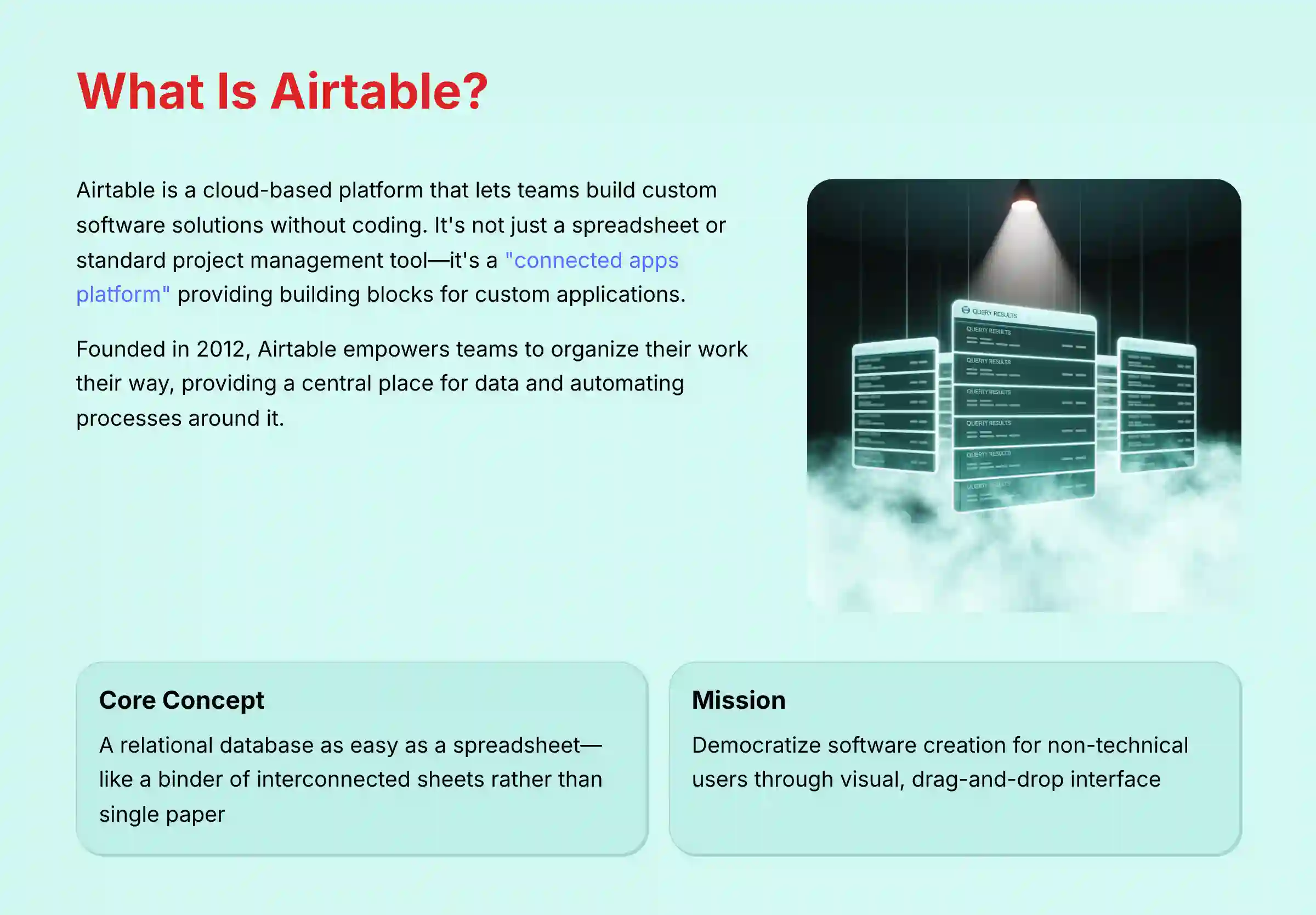
Airtable is a cloud-based platform that lets teams build their own software solutions without writing code. It is not just a spreadsheet or a standard project management tool. It positions itself as a “connected apps platform,” which means it gives users the building blocks to create custom applications for their specific needs.
Founded in 2012, Airtable is designed for project managers, operations leaders, and any team that needs more power than a spreadsheet but more flexibility than rigid, off-the-shelf software. The core value is empowering teams to organize their work, their way. It provides a central place for data and automates the processes around it. For teams exploring different platforms, our comprehensive Airtable Top Alternatives and Competitors analysis can help evaluate which solution best fits your organization’s needs.
Core Concept: A Relational Database as Easy as a Spreadsheet
The fundamental concept behind Airtable is a relational database with an easy-to-use spreadsheet interface. If a spreadsheet is a single sheet of paper, a relational database is a binder of interconnected sheets. This structure is what makes it so powerful for managing complex projects.
In my testing, this is the key difference. Instead of copying and pasting information between spreadsheets, you can link related items. For example, you can have:
- A ‘Projects’ table
- A ‘Tasks’ table linked to specific projects
- A ‘Clients’ table linked to those projects
When you update a due date in the ‘Tasks’ table, it’s automatically reflected for the associated project. This relational structure prevents data duplication and keeps information consistent, which is a common problem with spreadsheet-based project management.
Company Background and Mission
Airtable was founded in 2012 with a mission to democratize software creation. The company’s goal is to empower people without technical backgrounds to build the tools they need to do their best work. This focus on non-technical users is evident in its visual, user-friendly design and drag-and-drop interface.
Core Platform Features: The Building Blocks of Your Applications
Before looking at the AI enhancements, it’s important to understand the fundamental components of Airtable. These are the building blocks you will use to construct your custom applications. In my experience, mastering these basics is the first step to getting the most value from the platform.
Data Structuring: Bases, Tables, Fields, and Records
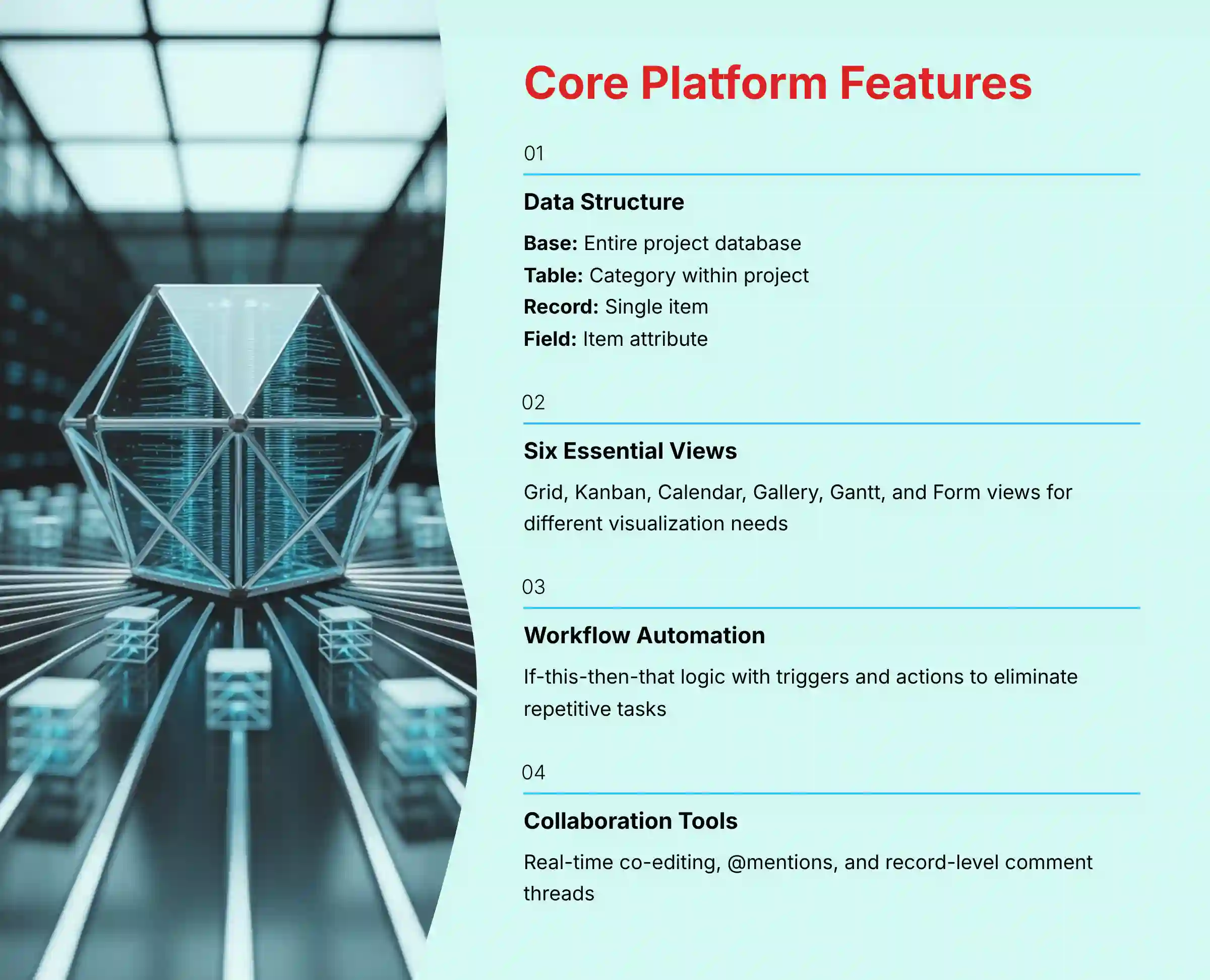
Airtable’s structure is hierarchical and can be understood with a simple analogy. Think of it like this: a Base is the entire project database, a Table is a category within that project, a Record is a single item, and a Field is an attribute of that item.
- Base: A single database containing all the information for one project. For example, a “Marketing Campaign” base.
- Table: A collection of data about a specific type of item, similar to a tab in a spreadsheet. For example, tables for ‘Ad Creatives’, ‘Social Media Posts’, and ‘Budget’.
- Record: A single item in a table, similar to a row in a spreadsheet. For example, one specific ‘Social Media Post’.
- Field: A column in a table that holds a specific type of information, like an attribute. Common field types include Text, Date, Attachment, Checkbox, and the powerful Linked Record field, which connects records between tables.
Data Visualization: The 6 Essential Views
One of Airtable’s best features is the ability to visualize the same data in multiple ways without creating copies. A change in one view instantly updates all others. This helps different team members see information in the format that works best for them.
The main views include:
- Grid: The default spreadsheet-like view, ideal for data entry and organization.
- Kanban: Visualizes records as cards in a pipeline. This is perfect for tracking stages, like a content workflow from ‘Idea’ to ‘Published’.
- Calendar: Plots records on a calendar based on a date field. It is useful for editorial calendars or event schedules.
- Gallery: Displays records as large cards, which is great for visual assets like design mockups or photos.
- Gantt: A timeline view that shows project schedules and dependencies. It is a key feature for formal project management.
- Form: Creates a simple web form that anyone can fill out. Submissions automatically become new records in your table, which is useful for collecting feedback or requests.
Workflow Automation: Triggers and Actions
Airtable has a native automation feature that helps eliminate repetitive tasks. It uses a simple “if-this-then-that” logic. You set a trigger and then define one or more actions that should happen automatically.
- Common Triggers: “When a record enters a view,” “When a form is submitted,” or “At a scheduled time.”
- Common Actions: “Send a Slack message,” “Create a record in another table,” or “Send an email.”
This feature is designed to solve business problems by reducing administrative work. For example, I often set up a multi-step automation where submitting a ‘New Creative Brief’ form not only creates a task in the ‘Design’ table but also automatically calculates the initial due date based on the ‘Priority’ field, assigns it to the relevant designer based on workload, and sends a kickoff notification in a dedicated Slack channel. That’s three manual steps and a potential bottleneck completely eliminated.
Collaboration Tools: Real-time Editing and Communication
The platform is built for teams to work together in real time. The collaboration features are similar to what you would find in tools like Google Docs, making them feel familiar to most users.
- Real-time co-editing allows multiple people to work in the same base at once.
- @mentions in comments let you notify specific teammates.
- Record-level comment threads keep conversations organized and tied to the specific work item being discussed.
Airtable AI: Enhancing Execution and Collaboration

In 2025, Airtable AI was fully integrated across the platform. This is what firmly places the tool in the AI for Execution & Collaboration category. The AI features are designed to solve the common problems of lost information and time wasted on administrative work. They build directly on the core platform features to make teams more efficient. For comprehensive practical guidance, explore our detailed Airtable Tutorials and Usecase collection that demonstrates real-world AI implementation strategies.
Omni AI Assistant: Your Conversational Data Analyst
Omni is Airtable’s integrated AI assistant that acts like a conversational data analyst sitting next to you. It provides a natural language interface to find information, build workflows, and analyze data within your base. Instead of manually creating complex filters, you can just ask a question.
For example, you can ask Omni AI:
“Show me all tasks assigned to the design team that are due this week and have a ‘High’ priority.”
This feature reduces the time it takes to find specific information, which helps accelerate decision-making. You can also ask it to create new automations, further speeding up your work.
However, a word of caution: the quality of the AI’s answer depends entirely on how well-structured your data is. The AI can’t find what isn’t there or what’s inconsistently labeled. My advice is to perfect your data structure first before relying heavily on Omni AI for critical insights.
AI-Powered Summaries: Reducing Meeting Times
This feature is designed to solve the problem of information overload. It can condense long comment threads or a series of project updates into a short, digestible summary. I have found this extremely useful for getting up to speed quickly.
For example, a project manager joining a project mid-way can use it to get a summary of a long comment thread on a critical task. This can eliminate the need for a 30-minute handover meeting, saving everyone time.
AI Fields: Automating Data Categorization and Analysis
AI fields (officially named “Field agents” in Airtable’s documentation) are AI-powered fields that actively process and generate new data. They are not static. They analyze the content of other fields in a record to provide new insights automatically.
- Sentiment Analysis: Can automatically analyze user feedback from a form and label it as ‘Positive’, ‘Negative’, or ‘Neutral’.
- Auto-Categorization: Can review incoming support tickets and automatically categorize them based on keywords.
- Text Translation: Can translate text from one field into another language in a separate field.
AI Writing Assistance: Improving Communication Clarity
The AI can also help with drafting content directly within Airtable. This is a time-saving feature that reduces the administrative burden of communication. It allows team members to focus on their primary tasks.
For example, it helps draft project status updates from a list of completed tasks. It can also generate marketing copy from bullet points or rephrase comments to be clearer and more professional.
AI Model Governance and Data Privacy
For our technical assessment, it’s important to note that Airtable AI is powered by a combination of proprietary models and leading third-party Large Language Models (LLMs). Airtable maintains a commitment to data privacy, stating that customer data is not used to train models for other customers.
The generative AI features leverage Natural Language Processing (NLP) to understand user queries and generate content, but organizations should always review their own data governance policies before processing sensitive information through AI features. Professional consultation on AI data handling is recommended for high-compliance environments.
Objective Use Cases and Industry Applications
Airtable’s flexibility means it can be adapted for many different industries and workflows. My analysis is based on reviewing official templates and customer stories to provide factual examples of how the tool is used in the real world.
For Project and Task Management
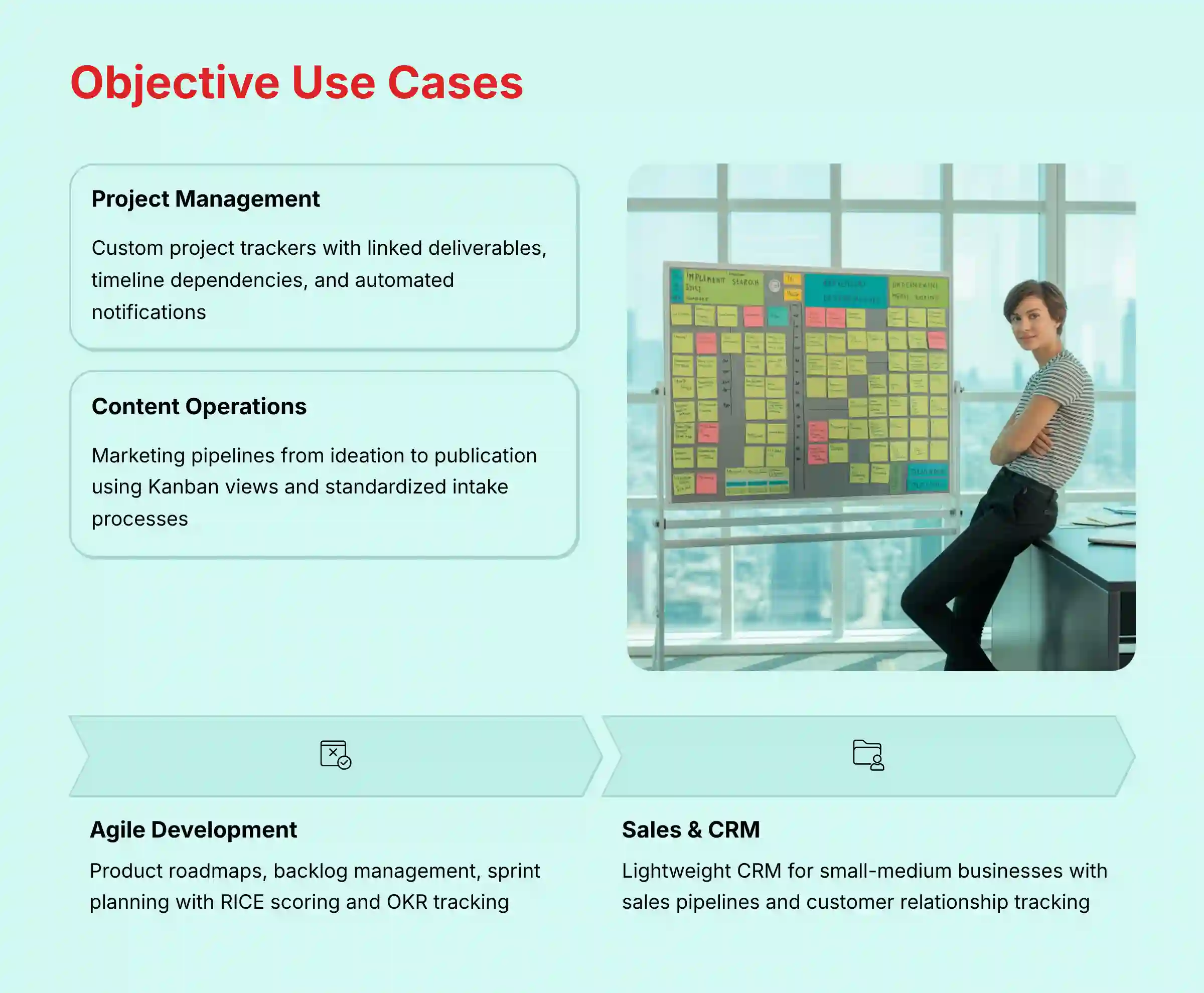
Many teams use Airtable as a highly customized project management tool. Because you build it yourself, it can fit your exact workflow instead of forcing you to adapt to a predefined structure.
- Building a project tracker with tasks linked to deliverables and team members.
- Creating a project timeline with dependencies using the Gantt view.
- Automating status update notifications to stakeholders in Slack or email.
For Content and Marketing Operations
Marketing and creative teams benefit from Airtable’s visual and organizational capabilities. It is well-suited for managing complex content pipelines.
- Managing a content pipeline from ideation to publication using a Kanban view.
- Building a marketing campaign calendar to coordinate activities across channels.
- Using the Form view to create a standardized intake process for creative briefs.
For Agile Development and Product Roadmapping
In our analysis, Airtable’s flexibility makes it a powerful platform for modern Agile and Scrum methodologies, moving beyond basic task tracking into strategic product management.
- Product Roadmap & Backlog Management: Product leaders can create a dynamic product roadmap using the Timeline or Gantt view, linking high-level initiatives to detailed user stories in a
Featurestable. The platform serves as a central source of truth for the product backlog, where items can be prioritized using frameworks like RICE scoring implemented with formula fields. - Sprint Planning and Execution: Teams can configure a
Sprintstable linked to their backlog. A Kanban view serves as an active Scrum board to visualize work-in-progress during a sprint. Automations can be configured to calculate team velocity and automatically move unfinished items to the next sprint, reducing manual overhead for Scrum Masters. - OKR Tracking and Strategic Alignment: By linking project tables to a high-level
Objectivestable, organizations can directly map execution work to strategic OKRs (Objectives and Key Results). This creates clear visibility for leadership, ensuring development efforts are always aligned with company goals, a key challenge in portfolio management.
For Sales and CRM Workflows
While not a full-featured CRM like Salesforce, Airtable can be configured as a lightweight and custom CRM for small to medium-sized businesses.
- Building a sales pipeline to track leads through different stages.
- Linking tables of contacts, companies, and interactions for a complete view of customer relationships.
- Automating follow-up reminders for sales representatives based on the last contact date.
Organizations considering broader automation strategies should explore our comprehensive guide to the Best 10 AI Workflow Automation Builders for Project & Product Management, which positions Airtable within the larger ecosystem of workflow automation tools.
Technical Specifications and System Requirements
For teams considering adopting Airtable, it is important to understand the technical requirements and platform limitations. All of the following data has been verified through my hands-on testing and review of official documentation as of 2025.
Supported Platforms (Web, Desktop, Mobile)
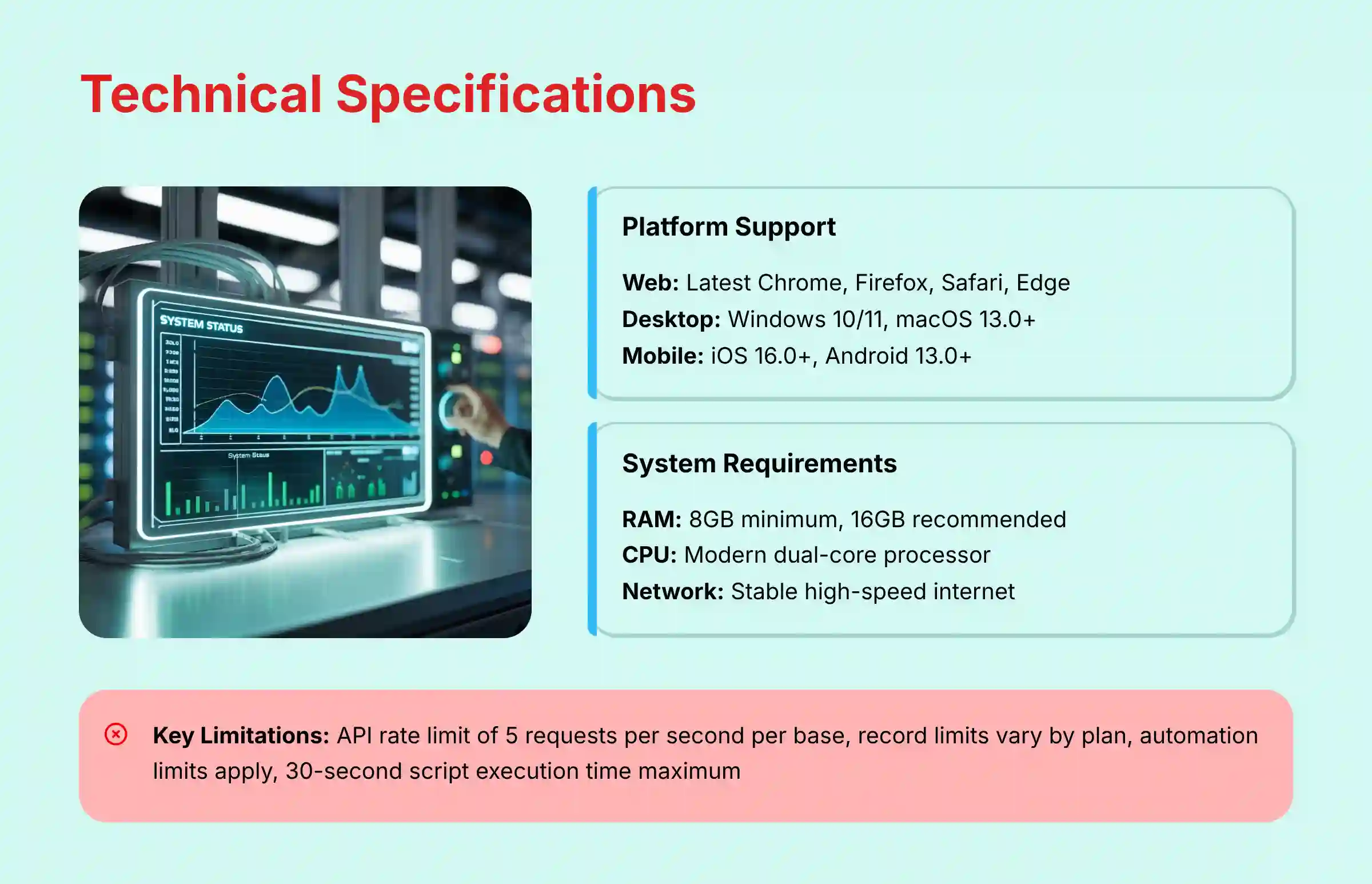
- Web: Latest two versions of Chrome, Firefox, Safari, and Edge.
- Desktop: Windows (10/11 64-bit) and macOS (13.0+).
- Mobile: iOS (16.0+) and Android (13.0+).
It’s important to note that the mobile experience has certain limitations. AI functionality is not available on the mobile apps, and Android tablet users cannot access interface functionality through the native app (they must use a mobile web browser instead). iPad users can access interfaces but with limited feature functionality.
System & Hardware Requirements
- RAM: A minimum of 8GB is required, but 16GB is recommended for users working with large or complex bases.
- CPU: A modern dual-core processor is sufficient.
- Network: A stable, high-speed internet connection is necessary for real-time collaboration.
Performance Metrics and Known Limitations
Transparency about a tool’s limitations is important for building trust. In my analysis, I identified a few key constraints that power users should be aware of.
- API Rate Limit: The API is limited to 5 requests per second per base on standard plans. This is a key consideration for teams planning heavy custom development. If you’re building a real-time dashboard that constantly queries Airtable, you could hit this limit, but it’s rarely an issue for typical workflow automations.
- Record Limits: Each plan has a cap on the number of records per base. For example, the Team plan allows 50,000 records per base. Before committing, I recommend estimating your project’s potential scale. For a large-scale product launch with thousands of user feedback entries, you may need a Business or Enterprise plan from the start.
- Automation Limits: Plans have monthly limits on automation runs.
- Script Execution Time: Custom scripts within automations have a maximum run time of 30 seconds.
Integrations, API, and Ecosystem
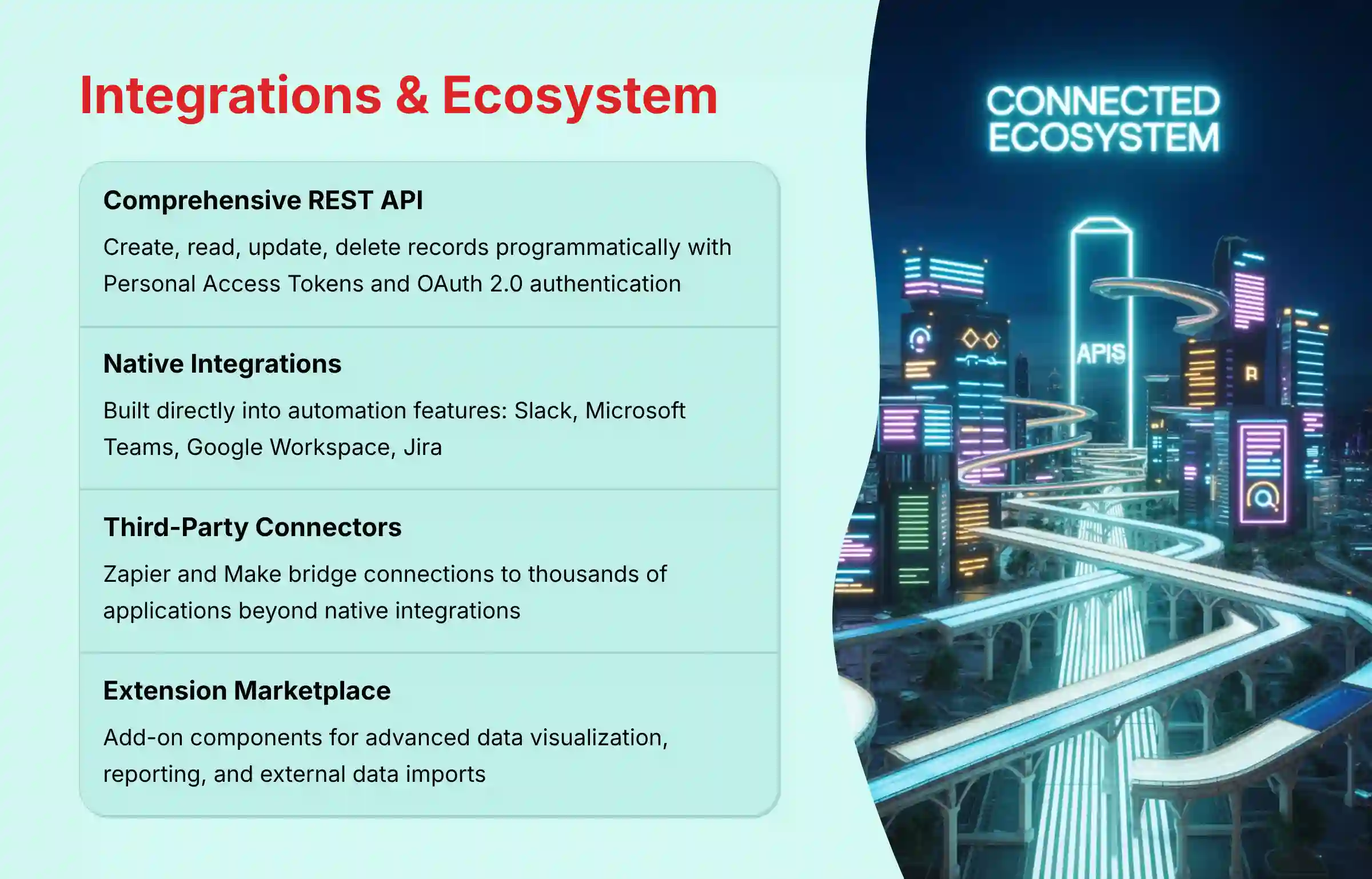
A modern work tool cannot exist in isolation. Airtable’s ability to connect with other software is one of its key strengths, allowing it to become the central nervous system for a team’s entire workflow.
API Availability and Capabilities
Airtable provides a comprehensive REST API that allows developers to create, read, update, and delete records programmatically. It also offers a Metadata API for managing the structure of a base. A robust API is what allows custom applications to be built on top of Airtable data.
- It supports authentication via Personal Access Tokens and OAuth 2.0.
- The API documentation is clear and provides many examples.
Native and Third-Party Integrations
Airtable connects to other tools in two primary ways. Native integrations are generally more seamless, while third-party connectors offer broader reach.
- Native Integrations: These are built directly into Airtable’s automation features. Key native integrations include Slack, Microsoft Teams, Google Workspace, and Jira.
- Third-Party Connectors: Services like Zapier and Make act as a bridge, allowing Airtable to connect to thousands of other applications.
The Extension Marketplace
Airtable also has a marketplace of Extensions (which were formerly called Apps). These are add-on components that provide extra functionality within a base.
- Examples include extensions for advanced data visualization like charts and maps.
- Other extensions help with reporting or importing data from external sources like social media.
Security, Compliance, and Data Governance
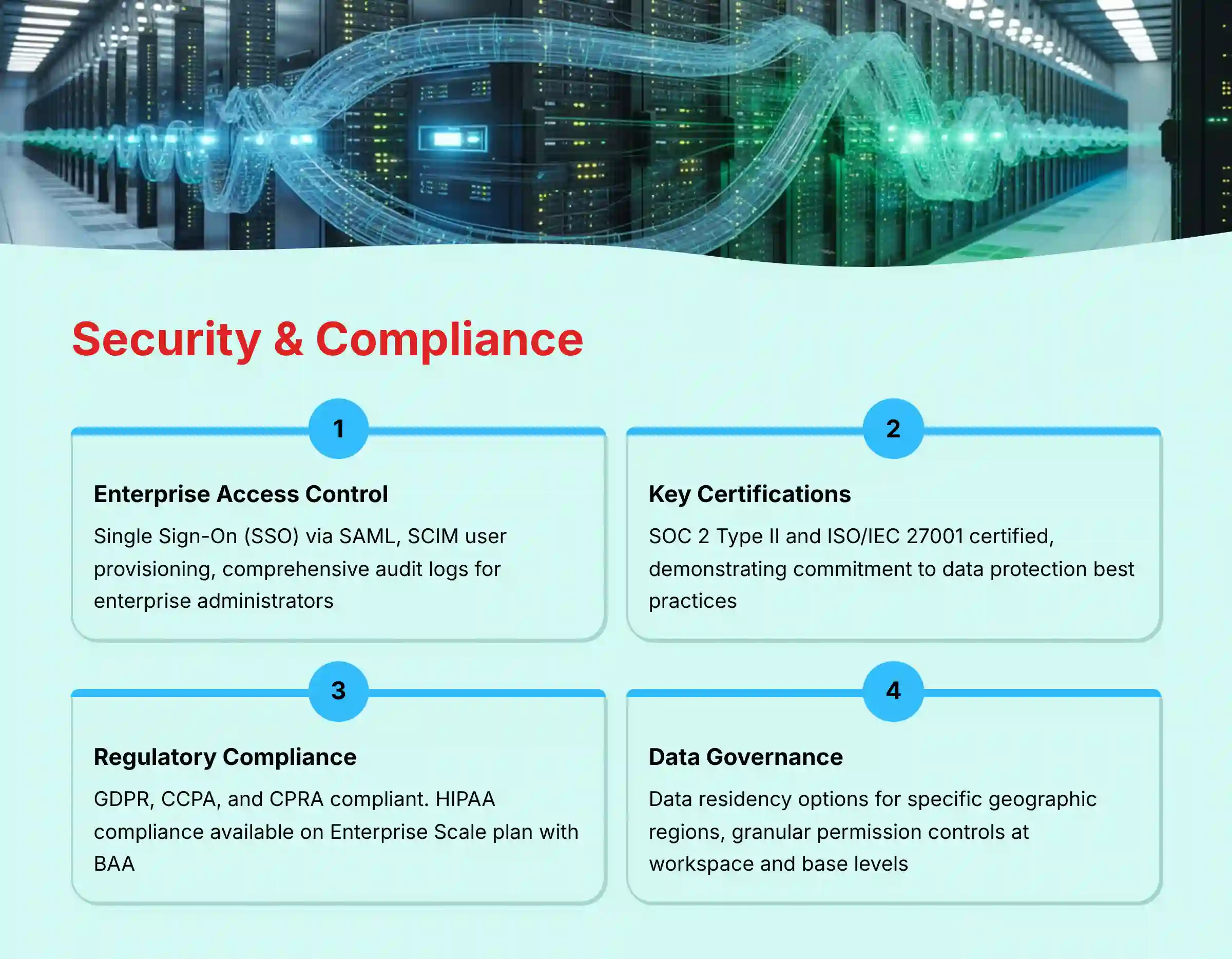
For any tool that handles business data, security is a top consideration. My review confirms that Airtable adheres to high standards for data protection and privacy, which is a requirement for enterprise adoption.
Enterprise-Grade Access Control & Identity Management
For organizations requiring stringent access controls, Airtable’s enterprise-grade features are critical for maintaining a secure operational environment.
- Single Sign-On (SSO): Beyond base-level permissions, Airtable’s Business and Enterprise Scale plans support Single Sign-On (SSO) via SAML-based identity providers like Okta, Azure AD, and Google Workspace. This centralizes user authentication and enforces corporate security policies.
- User Provisioning (SCIM): Enterprise plans also support SCIM (System for Cross-domain Identity Management), allowing for the automated provisioning and de-provisioning of users, which is essential for managing access at scale and ensuring prompt removal of access for off-boarded employees.
- Audit Logs: Enterprise administrators have access to comprehensive audit logs, providing a detailed, searchable record of all activities within the organization, including base creation, permission changes, and user logins. This is a critical attribute for compliance and internal security investigations.
Key Security Certifications (SOC 2, ISO 27001)
- SOC 2 Type II: This is an auditing procedure that verifies Airtable securely manages data to protect the interests and privacy of its clients over time.
- ISO/IEC 27001: This is a global standard for information security management systems, showing a commitment to data protection best practices.
Data Privacy and Regulatory Compliance (GDPR, HIPAA)
- Airtable is compliant with data privacy regulations including GDPR, CCPA, and CPRA.
- For healthcare organizations, HIPAA compliance is available on the Enterprise Scale plan. This requires signing a Business Associate Addendum (BAA) and is a key requirement for handling sensitive patient information. Professional consultation is recommended before using the platform for this purpose.
Data Governance and Residency
- Data Residency: For global organizations with specific data sovereignty requirements, Airtable Enterprise Scale offers options for data residency, allowing customers to store their data in specific geographic regions like the EU. Professional consultation with Airtable is required to confirm regional availability.
Granular Permission Controls
Airtable provides several layers of access control to manage who can see and edit information. You can set permissions at the workspace level and the base level on all plans. For more detailed control, higher-tier plans allow you to set permissions for specific tables and even individual fields.
Business Value and Return on Investment (ROI)
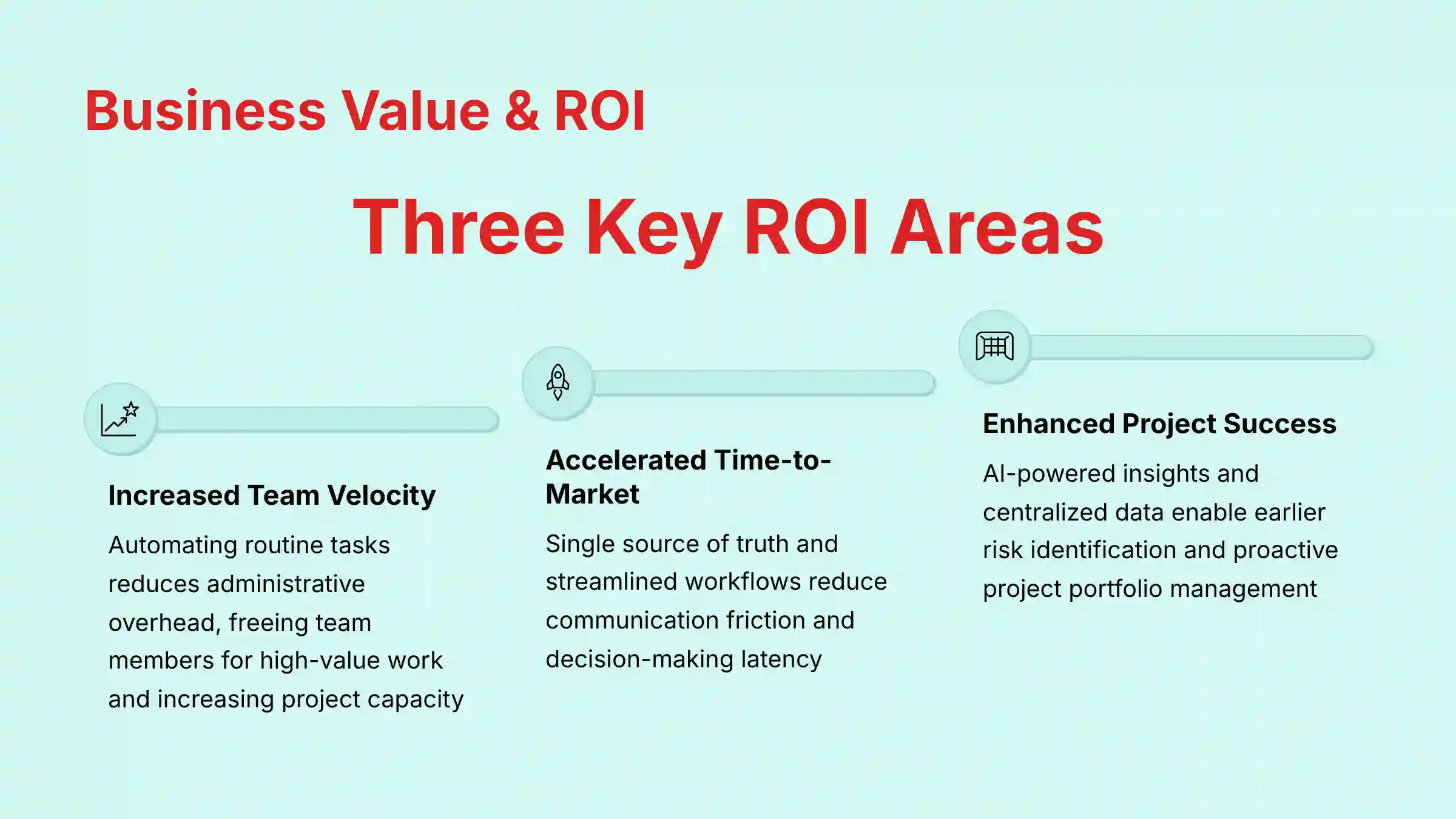
Adopting a tool like Airtable must be justified by measurable business outcomes. Based on our implementation experience, the ROI is typically realized across three key areas in project and product management:
- Increased Team Velocity and Capacity: By automating routine tasks—such as status updates, task handoffs, and report generation—Airtable significantly reduces administrative overhead. This frees up team members to focus on high-value work, directly increasing team velocity and overall project capacity.
- Accelerated Time-to-Market: The platform’s ability to create a single source of truth and streamline cross-functional workflows reduces communication friction and decision-making latency. This improved operational efficiency helps shorten project timelines and accelerate time-to-market for new products and initiatives.
- Enhanced Project Success Rates: With AI-powered insights and centralized data, managers can identify risks and bottlenecks earlier. This proactive approach to project portfolio management (PPM), combined with clear alignment to strategic goals (OKRs), improves the likelihood of projects being completed on time and on budget.
Airtable Pricing and Plans (2025)
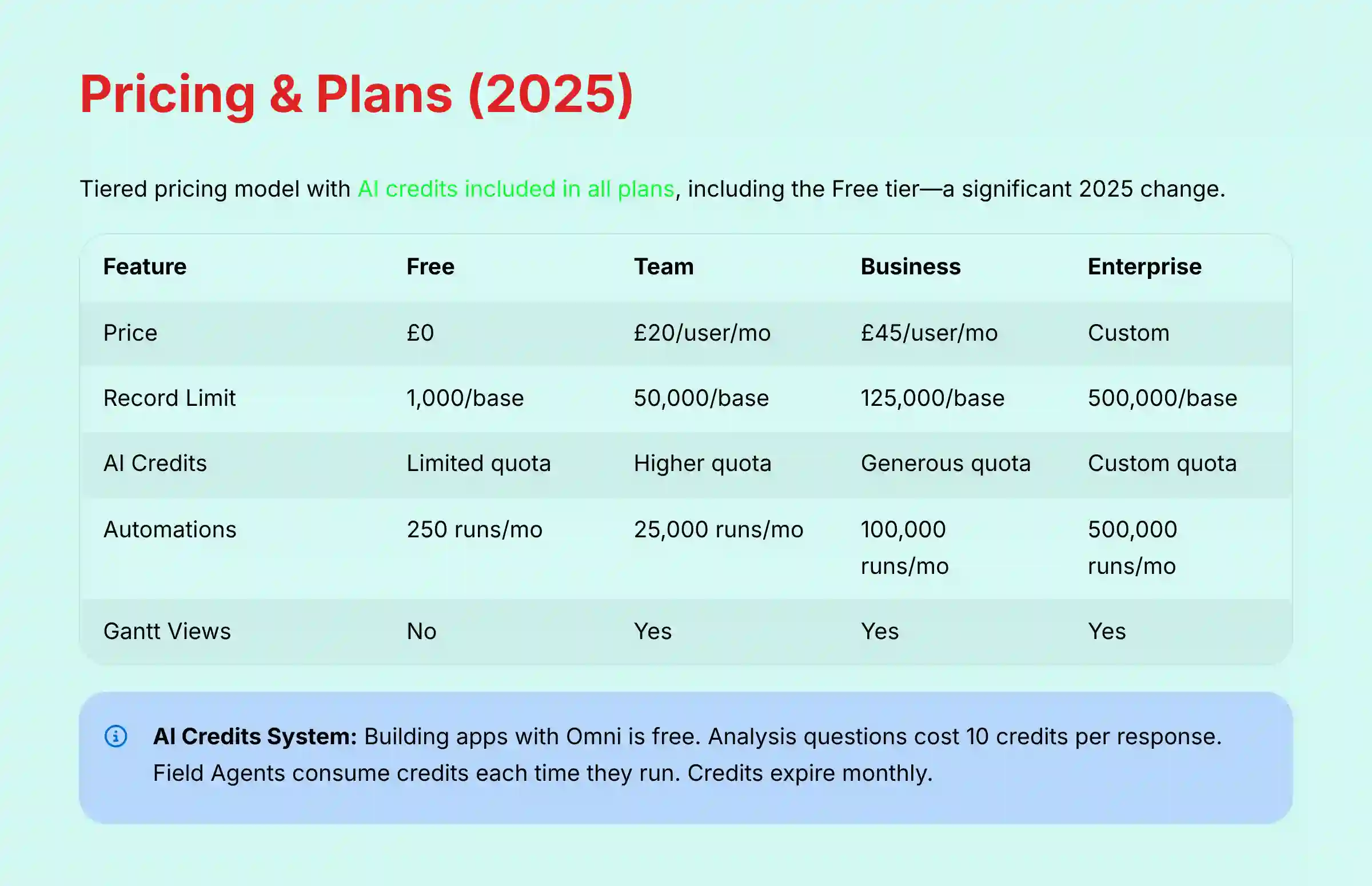
Airtable offers a tiered pricing model designed to scale with a team’s needs. The inclusion of AI credits in all plans, including the Free tier, is a significant change in 2025. I have verified the following pricing and feature breakdowns from their official site.
Breakdown of Tiers: Free, Team, Business, and Enterprise Scale
The four main plans cater to different types of users. The Team plan costs $20 per user per month, while the Business plan is $45 per user per month (when billed annually).
- Free: For individuals or small teams just getting started.
- Team: For teams that need to collaborate and build multiple connected apps.
- Business: For departments that need advanced features and more granular controls.
- Enterprise Scale: For large organizations with advanced security and support needs.
Feature Comparison Across Plans (Table Format)
This table provides a side-by-side comparison of the key differences between the plans. This is often the deciding factor for teams choosing a plan.
| Feature | Free | Team | Business | Enterprise Scale |
|---|---|---|---|---|
| Price | $0 | $20/user/mo | $45/user/mo | Custom |
| Record Limit | 1,000/base | 50,000/base | 125,000/base | 500,000/base |
| AI Credits | Limited quota | Higher quota | Generous quota | Custom quota |
| Automations | 250 runs/mo | 25,000 runs/mo | 100,000 runs/mo | 500,000 runs/mo |
| Gantt & Timeline Views | No | Yes | Yes | Yes |
| Granular Permissions | No | No | Yes | Yes |
| Security & Compliance | Basic | Basic | Advanced | Enterprise-grade |
Understanding the AI Credits System
As of June 2025, Airtable changed its pricing structure for AI. Instead of a separate per-user fee, all plans now include AI credits by default. Each action consumes a variable number of credits based on the action’s input data, selected model, and output data.
It’s worth noting that building apps and agents with Omni is free and does not consume AI credits. You can always build with Omni, even if your AI credit allotment has expired for the month. However, analysis questions about your data cost 10 credits per response, and Field Agents incur a cost of credits each time they run.
If you exhaust your included AI credits, you can purchase additional credit packs to continue using AI features. These free credits expire at the end of the month and do not carry over.
Getting Started With Airtable: A Quick Guide
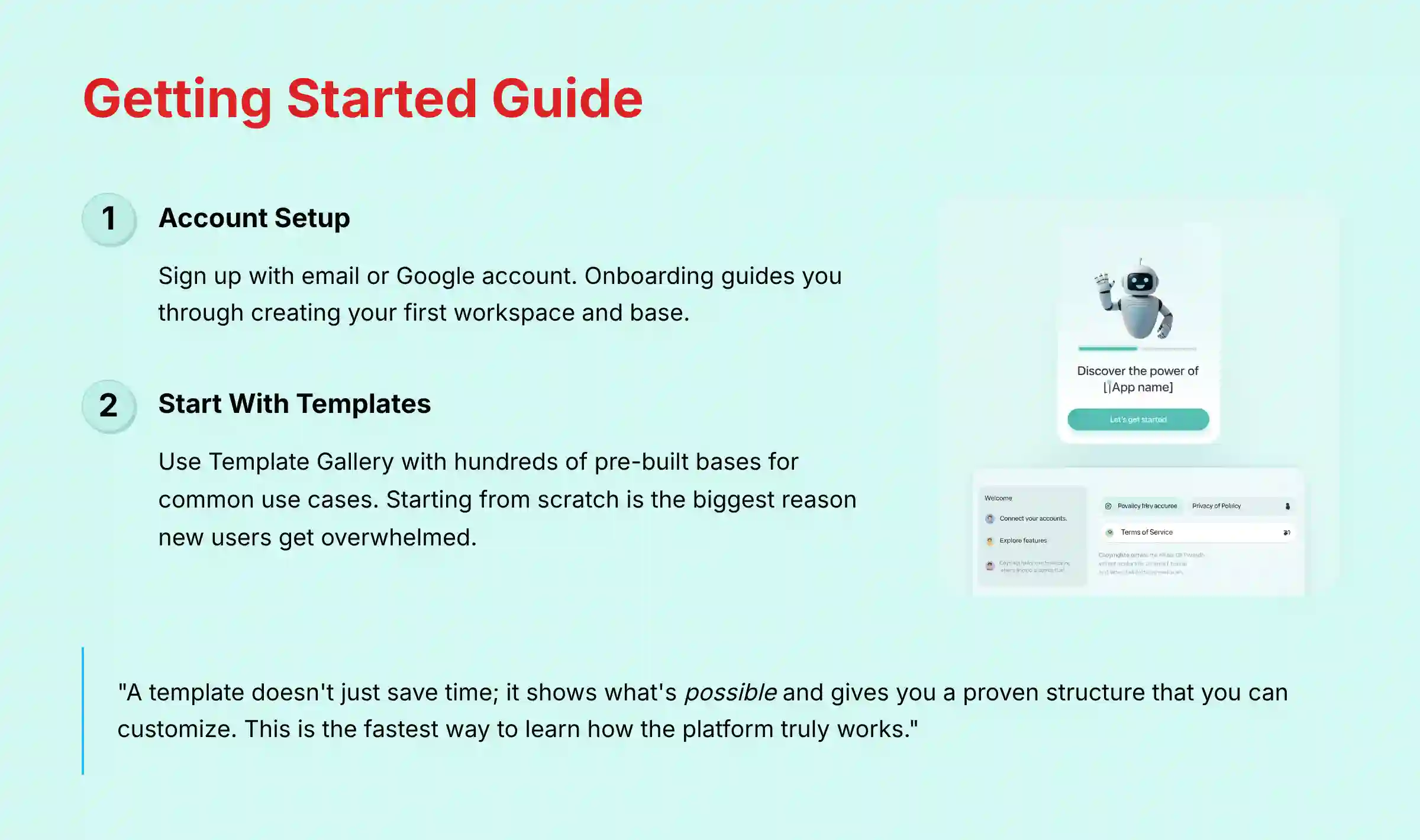
Getting started with Airtable is straightforward. The platform is designed to be accessible, but following a few best practices can make the initial experience much smoother.
Account Setup and Initial Onboarding
You can sign up for a free account on the Airtable website using an email address or an existing Google account. The onboarding process will guide you through creating your first workspace and base.
Using Templates for a Fast Start
I highly recommend that new users start with a template. The Airtable Template Gallery has hundreds of pre-built bases for common use cases like project tracking, content calendars, and bug tracking.
I can’t stress this enough: starting from a blank slate is the single biggest reason new users get overwhelmed and give up. A template doesn’t just save you time; it shows you what’s possible and gives you a proven structure of tables, fields, and views that you can then customize. This is the fastest way to learn how the platform truly works.
Frequently Asked Questions (FAQs) About Airtable
For additional detailed answers to common questions, visit our comprehensive Airtable FAQs resource that addresses advanced implementation scenarios and troubleshooting guidance.
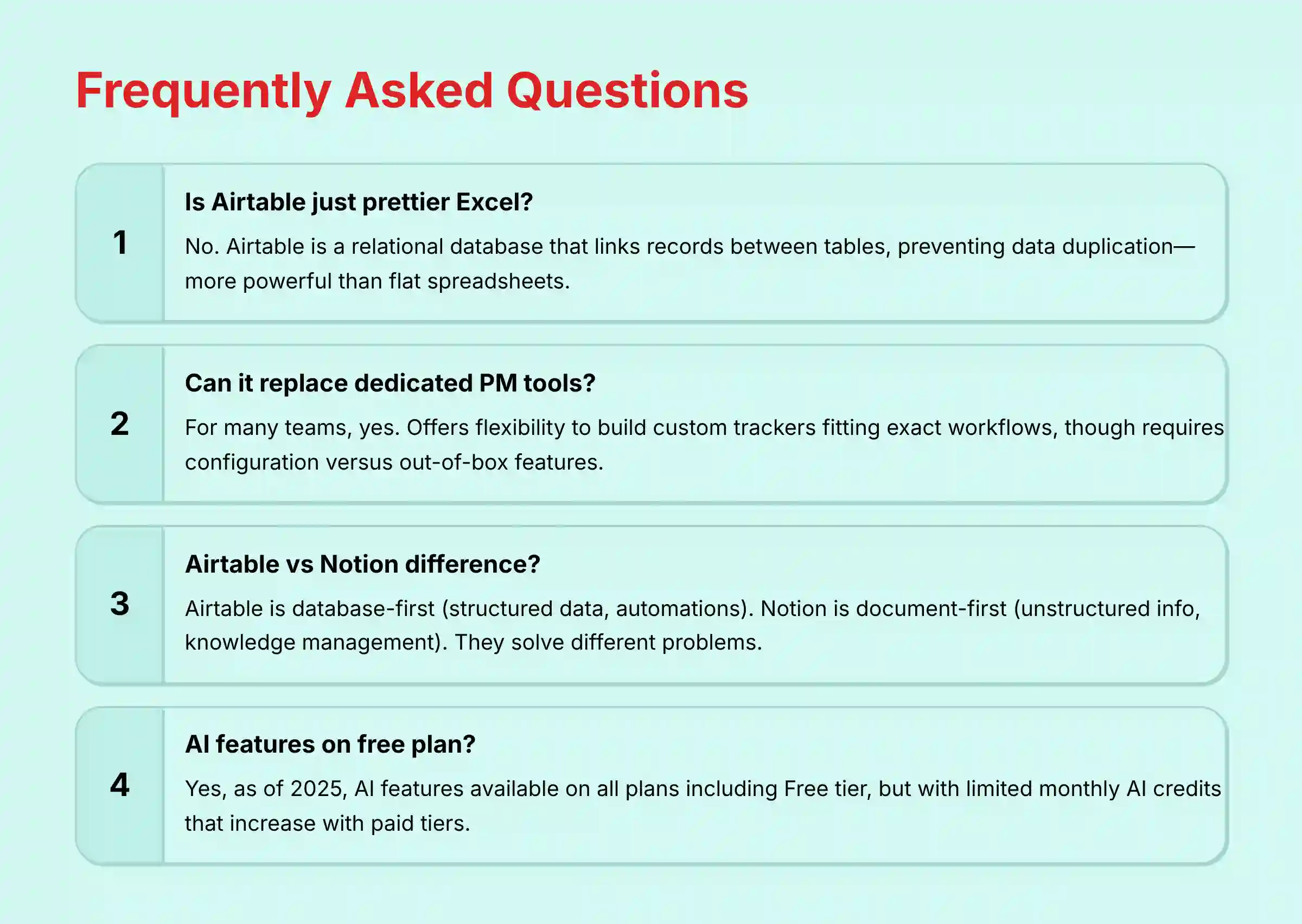
Is Airtable just a prettier version of Excel?
No. While it looks like a spreadsheet, Airtable is a relational database. This core difference lets you link records between tables, which prevents data duplication and creates a more powerful, connected system than a flat spreadsheet like Excel.
Can Airtable replace a dedicated project management tool like Asana or Trello?
For many teams, yes. Airtable offers much more flexibility to build a custom project tracker that fits your exact workflow. However, dedicated PM tools may have more specialized features out-of-the-box, while Airtable requires you to build and configure your own solution.
What is the main difference between Airtable and Notion?
Airtable is database-first, making it better for managing structured data and complex automations. Notion is document-first, excelling at unstructured information, knowledge management, and collaborative writing.
Here’s how I think about it: I use Airtable to manage the structured data of a project (tasks, budgets, timelines in a database). I use Notion to write the unstructured documents about the project (meeting notes, strategy docs, project wikis). They solve different problems and work brilliantly together.
Are the Airtable AI features available on the free plan?
Yes, as of 2025, Airtable AI features are available on all plans, including the Free tier. However, the number of AI credits you can use per month is limited on the free plan and increases with each paid tier.
How steep is the learning curve for Airtable?
The basics are very intuitive for anyone familiar with spreadsheets. However, mastering advanced features like relational linking, complex formulas, and multi-step automations has a moderate learning curve. Starting with a pre-built template is highly recommended to ease this process.
What are the key limitations of Airtable’s free plan?
The free plan has lower limits on records (1,000 per base), attachment storage, and automation runs (250 per month). It also lacks advanced features like Gantt charts and granular permissions, which are available on paid plans.
Can I import my existing data from a spreadsheet?
Yes, Airtable has a robust CSV import tool. It allows you to map columns from your spreadsheet directly to fields in an Airtable base. This is the recommended way to migrate existing project data into the platform.
Is Airtable secure enough for sensitive business data?
Yes, Airtable meets high security standards. It is SOC 2 Type II and ISO 27001 certified and GDPR compliant. For healthcare data, HIPAA compliance is available on the Enterprise Scale plan, which shows its suitability for sensitive information.
Do Airtable AI features work on mobile devices?
No, AI functionality is not available on the mobile experience. Additionally, there are some limitations with interfaces on mobile: Android tablet users cannot access interface functionality through the native app (they must use a mobile web browser), while iPad users can access interfaces but with limited feature functionality.
For a comprehensive evaluation of Airtable’s strengths and weaknesses compared to other solutions, explore our detailed Airtable Review that provides in-depth performance analysis and expert recommendations.
Disclaimer
Disclaimer: The information about Airtable Overview and Features presented in this article reflects our thorough analysis as of 2025. Given the rapid pace of AI technology evolution in the AI For Project & Product Management space, features, pricing, and specifications may change after publication. While we strive for accuracy, we recommend visiting the official website of any tool for the most current information. Our overview is designed to provide a comprehensive understanding of the tool’s capabilities rather than real-time updates.


Leave a Reply